


August 06, 2025
UX Design Basics: How to Create a User-Friendly Website
UX design is not just about a pretty picture, but above all, about user experience. In this article, we will look at the basics of UX that will help make a website intuitive, clear, and enjoyable to use.

User Experience (UX)
User Experience (UX) is how a person interacts with your website. If a user can easily find what they need, understand the structure, and enjoy the process — the site is working effectively.
Basic Principles of UX Design:
-
Simple and Intuitive Navigation
The menu should be logical and accessible from any page. The user should find what they need in just a few clicks. -
Speed and Stability
If a site loads slowly or crashes, the user will go to a competitor. UX also includes the technical side. -
Visual Hierarchy
Important elements should stand out: headings, buttons, CTAs. This helps users avoid getting "lost" on the page. -
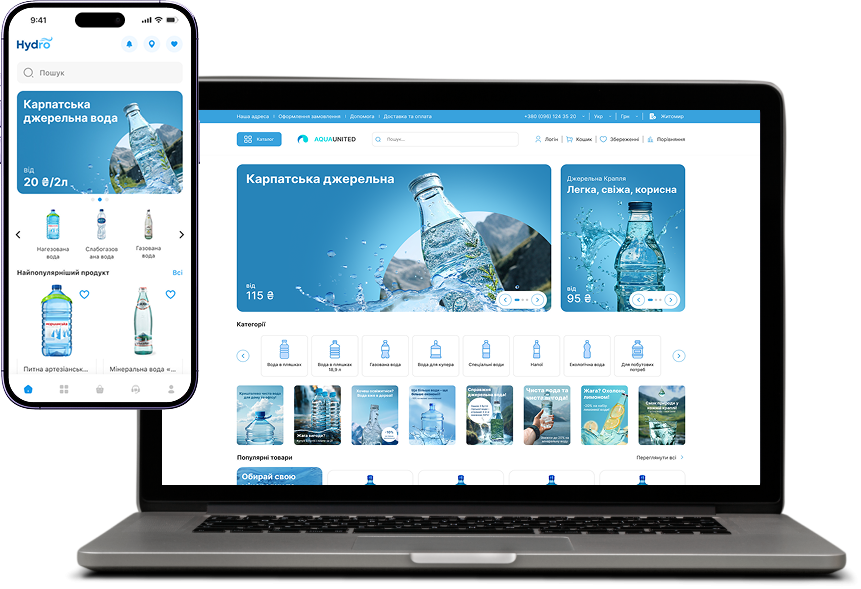
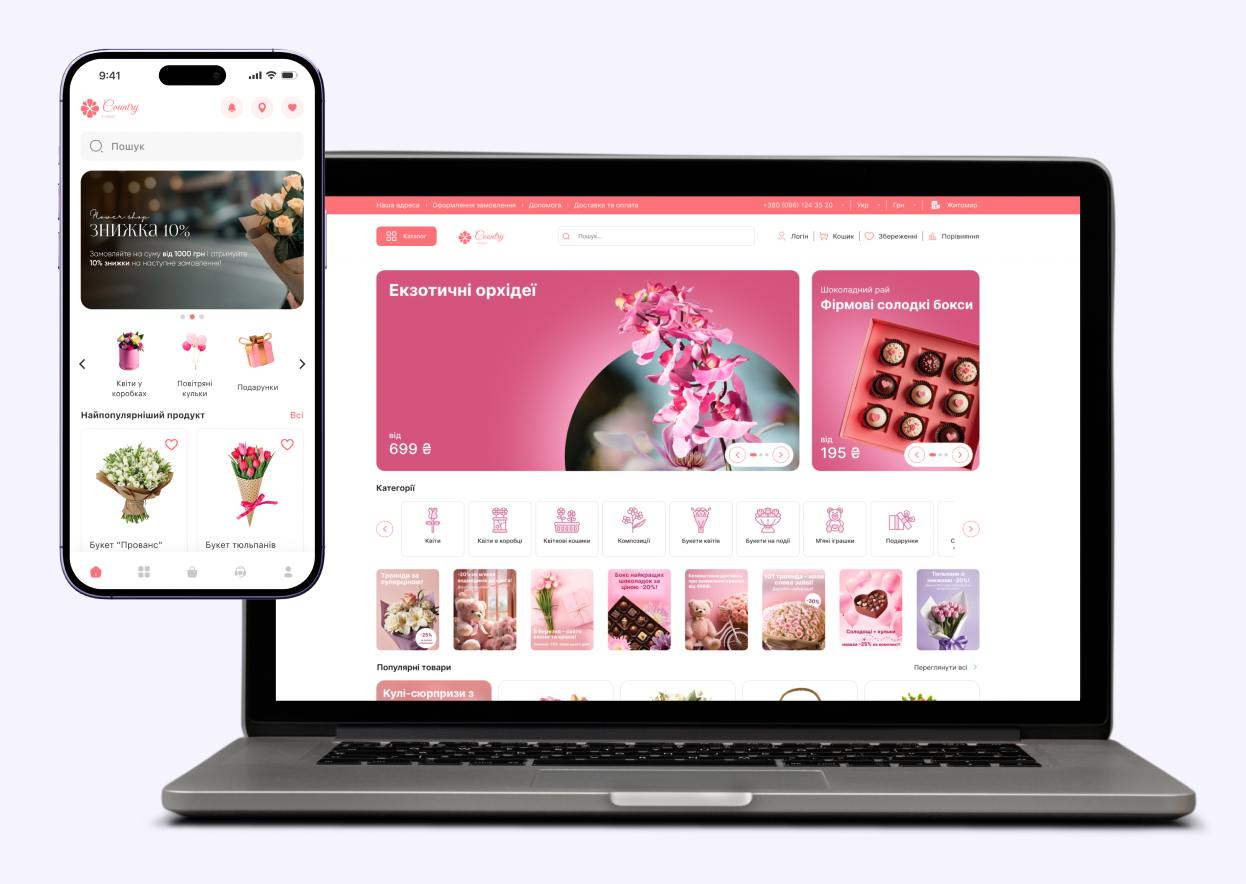
Mobile Adaptation
UX design must consider the mobile version. Convenience on smartphones is now more important than on PCs. -
Accessibility
Your site should be comfortable for people with disabilities. Contrast, fonts, voiceover — all of this is part of UX. -
Feedback
Buttons should "respond," forms should display errors, and actions should show results (e.g., "Message sent").
Conclusion:
UX design is about respect for the user. Investing in good UX increases loyalty, conversion, and overall site effectiveness.


 Authorization via Telegram
Article comments